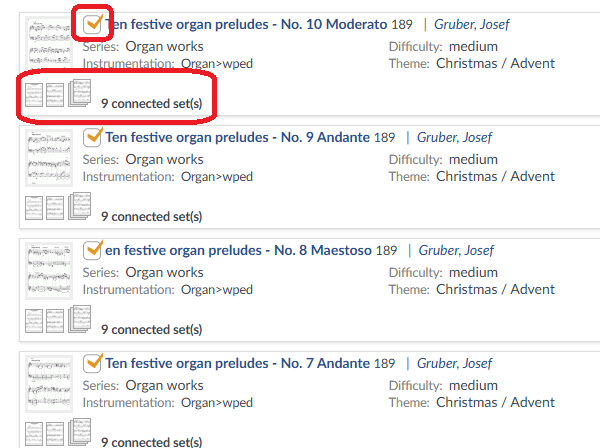
Defining multiple movement works as “connected” makes it easier to find and use sheet music.
If you have uploaded a multiple movement work as individual works and now want to connect them retrospectively, choose one of the following two options:
Log in. Go to one of the works you want to connect.
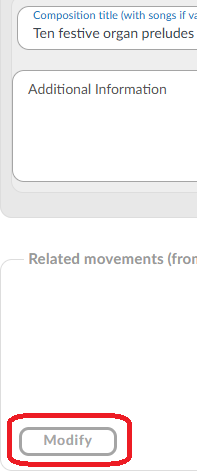
Click on “Modify” above the sheet music preview. The sheet music delivery form will open. Click on “Modify” under „Related movements (sonatas, suites...)”
OR
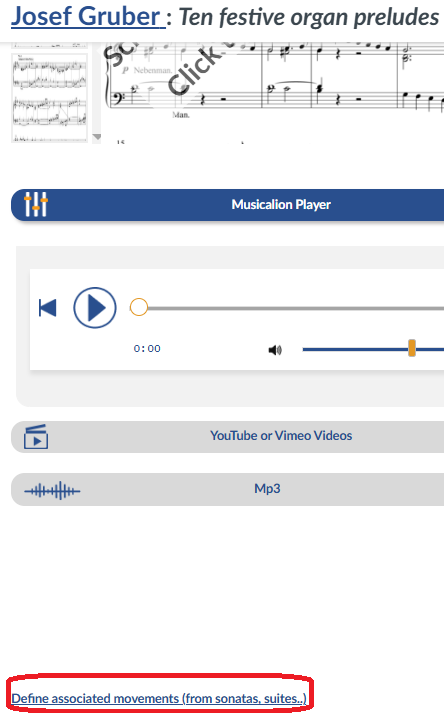
Click on “Define associated movements (from sonatas, suites..)” below the preview and playback options.
In both cases, the complete list of your works will open. Now check all the pieces you want to connect.
These will be displayed as connected in the future.